Google Business Profile Accessibility Attributes: A Guide for Brick-and-Mortar SEO
Learn why Google Business Profile accessibility attributes are critical for local SEO, how to add them, and why leaving them blank costs you foot traffic.
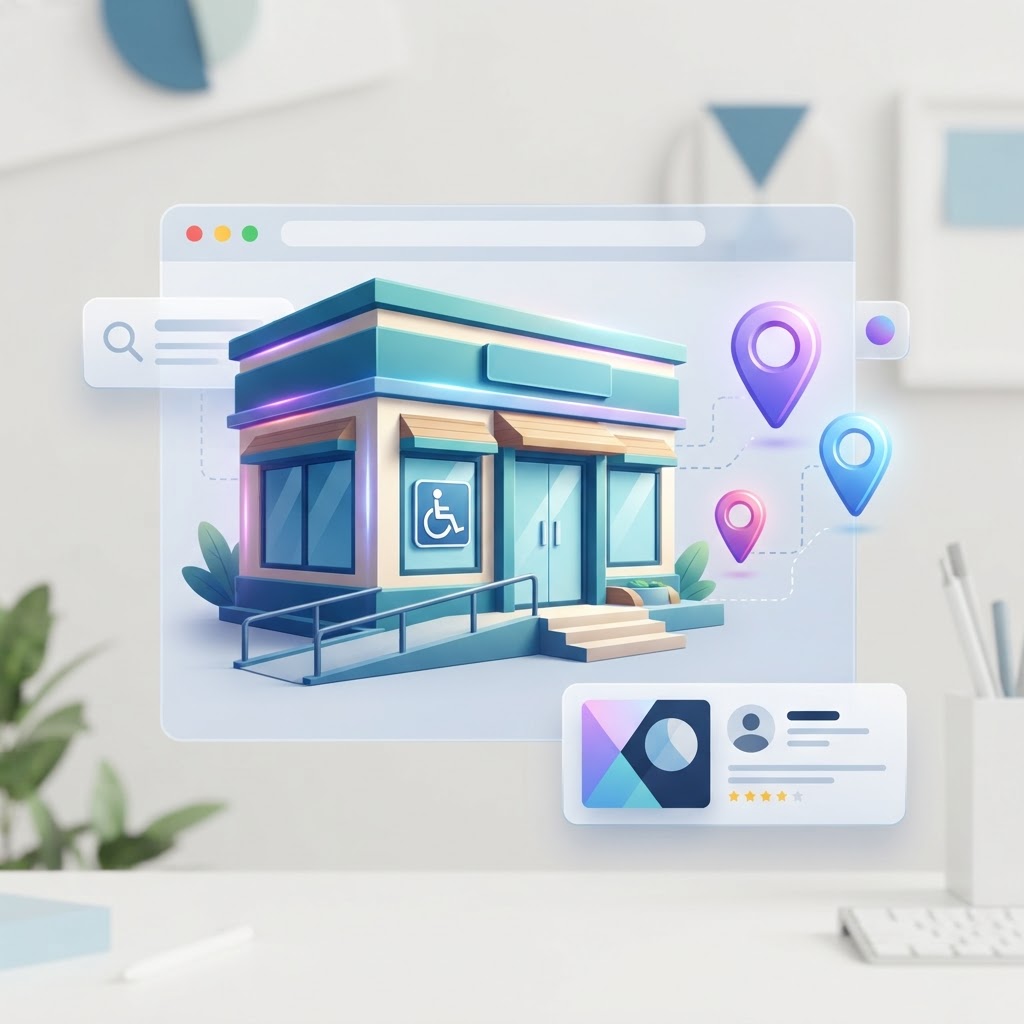
If you run a brick-and-mortar business, you already know that foot traffic is the lifeblood of your revenue. But when potential customers search for your business on Google Maps, they are not just looking for your address or hours. Many are looking for specific accessibility features—like a wheelchair-accessible entrance, accessible parking, or accessible restrooms. If your Google Business Profile (GBP) does not explicitly state that you have these features, Google will often filter you out of those specific search results.
Why Google Business Profile Accessibility Attributes Matter for SEO
Accessibility attributes are not just a nice-to-have feature for user experience; they are structured data signals that feed directly into Google's local algorithm and AI search systems [GBP Attributes: The Complete Guide to Every Attribute Type](https://www.locafy.com/blog/gbp-attributes-guide). When a user searches for "wheelchair accessible restaurants near me," Google filters the map pack to only show profiles with that specific attribute enabled. If your restaurant is fully accessible but you left the attribute blank, you become invisible to that high-intent searcher.
See how clearly your website communicates your location and services.
InspectRank reviews your local visibility signals and gives you a clear, prioritized report.
Get My Free ReportFurthermore, roughly 13.7% of Americans have some form of mobility impairment [Missing Accessible Entrance Attribute??? | Google Business Profile (GBP) & Google Maps | Local Search Forum](https://localsearchforum.com/threads/missing-accessible-entrance-attribute.59668). Google recently enabled a feature allowing users to filter Maps results specifically by wheelchair accessibility. By ignoring these attributes, you are actively turning away a significant portion of your local market.
How to Add Accessibility Attributes to Your Profile
Updating your attributes is a straightforward process, but it requires you to be thorough. Here is how to do it:
- Search for your business name on Google while logged into the account that manages your profile.
- Click on Edit profile in the merchant dashboard.
- Select the More tab (or scroll down to the Attributes section).
- Look for the Accessibility category.
- Toggle the relevant attributes to "Yes" or "No".
One of the most critical rules of attribute optimization is to never leave an applicable attribute blank. An explicit "No" is actually more useful to Google's algorithm than leaving the field empty, because it shows that your profile data is complete and actively managed.
What to Do If Accessibility Attributes Are Missing
Many business owners log into their dashboard only to find that the accessibility attributes are completely missing [I can't find the wheelchair accessibility attribute](https://support.google.com/business/thread/321820668/i-can-t-find-the-wheelchair-accessibility-attribute?hl=en). If this happens to you, there are a few likely culprits.
1. Your Primary Category Does Not Support Them
Google Business Profile attributes are dynamic and depend entirely on your primary business category [Manage Attributes | Google Business Profile APIs](https://developers.google.com/my-business/content/attributes). A retail store will have different attribute options than a plumber or a marketing agency. If you are categorized as a service-area business without a physical storefront, Google will not give you the option to add a wheelchair-accessible entrance.
See how clearly your website communicates your location and services.
InspectRank reviews your local visibility signals and gives you a clear, prioritized report.
Get My Free Report2. User-Suggested Edits Have Overridden Your Settings
Google crowdsources a lot of its map data. Users can suggest edits to your profile, and if enough people suggest that your business is not accessible, Google might remove or change the attribute [Google Business Profile Attributes (2026 Guide & Examples)](https://daltonluka.com/blog/google-my-business-attributes). You need to monitor your profile regularly to ensure malicious competitors or confused customers haven't altered your factual data.
How AI Search Uses Accessibility Data
Search is evolving rapidly. When customers use AI tools like ChatGPT, Perplexity, or Google's AI Overviews to find local businesses, these systems rely heavily on structured data to provide answers. If a user asks an AI, "Which coffee shops downtown have accessible restrooms and free Wi-Fi?", the AI parses the factual attributes on your Google Business Profile to generate the recommendation. Incomplete attributes mean incomplete answers, and AI systems will default to recommending your competitors who have more complete data profiles.
Leveraging Reviews to Reinforce Your Attributes
While you control the factual attributes (like whether you have a ramp), Google also relies on subjective attributes generated from customer reviews. If you want to solidify your ranking for accessibility-related searches, encourage your customers to mention your accessible features in their reviews. When Google sees the word "wheelchair" or "accessible" repeatedly in your positive reviews, it reinforces the structured data you provided, making your profile even more relevant for those specific queries.
Next Steps for Brick-and-Mortar Owners
Do not let incomplete profile data cost you foot traffic. Log into your Google Business Profile today, navigate to the attributes section, and fill out every single accessibility option that applies to your physical location. It takes less than five minutes, costs nothing, and ensures that your business is visible to everyone in your community.
Sources & references
- GBP Attributes: The Complete Guide to Every Attribute Type
- Missing Accessible Entrance Attribute??? | Google Business Profile (GBP) & Google Maps | Local Search Forum
- I can't find the wheelchair accessibility attribute
- Manage Attributes | Google Business Profile APIs
- Google Business Profile Attributes (2026 Guide & Examples)
See what InspectRank finds on your website
Get a clear report covering website SEO, technical health, local visibility and AI search readiness.
Get My Free ReportRelated guides

Review Bombing Recovery: How to Protect Your Local SEO During a Viral PR Crisis
A sudden influx of fake 1-star reviews can destroy your local search rankings overnight. Learn the exact step-by-step playbook to document the attack, report fake reviews to Google, and protect your local SEO during a review bombing crisis.

Mall and Plaza SEO: How to Rank When Your Business is Inside Another Building
Struggling to rank your retail store or food stall inside a mall or large office building? Learn how to use the Google Business Profile 'Located In' feature, fix your map pin, and optimize your local SEO for shared addresses.

What Happens to Your SEO When a Key Employee Leaves? Handling Practitioner Profiles
When a key doctor, lawyer, or stylist leaves your practice, their Google Business Profile goes with them. Learn how to handle practitioner listings, protect your reviews, and prevent former employees from ruining your local SEO.
DBA vs. Legal Name: How to Manage Your Business Name for Local SEO
Should you use your LLC or DBA on your Google Business Profile? Learn how to manage your business name for local SEO without getting suspended.

Google Business Profile Payment Attributes: Do They Impact Search Rankings?
Discover whether adding payment attributes to your Google Business Profile actually improves your local search rankings, and why they matter for conversions.