Out-of-State Business Relocation SEO: How to Move Your Google Business Profile to a New City
Moving your business across state lines? Learn the exact step-by-step local SEO process to update your Google Business Profile, manage your NAP consistency, and keep your reviews without triggering a suspension.
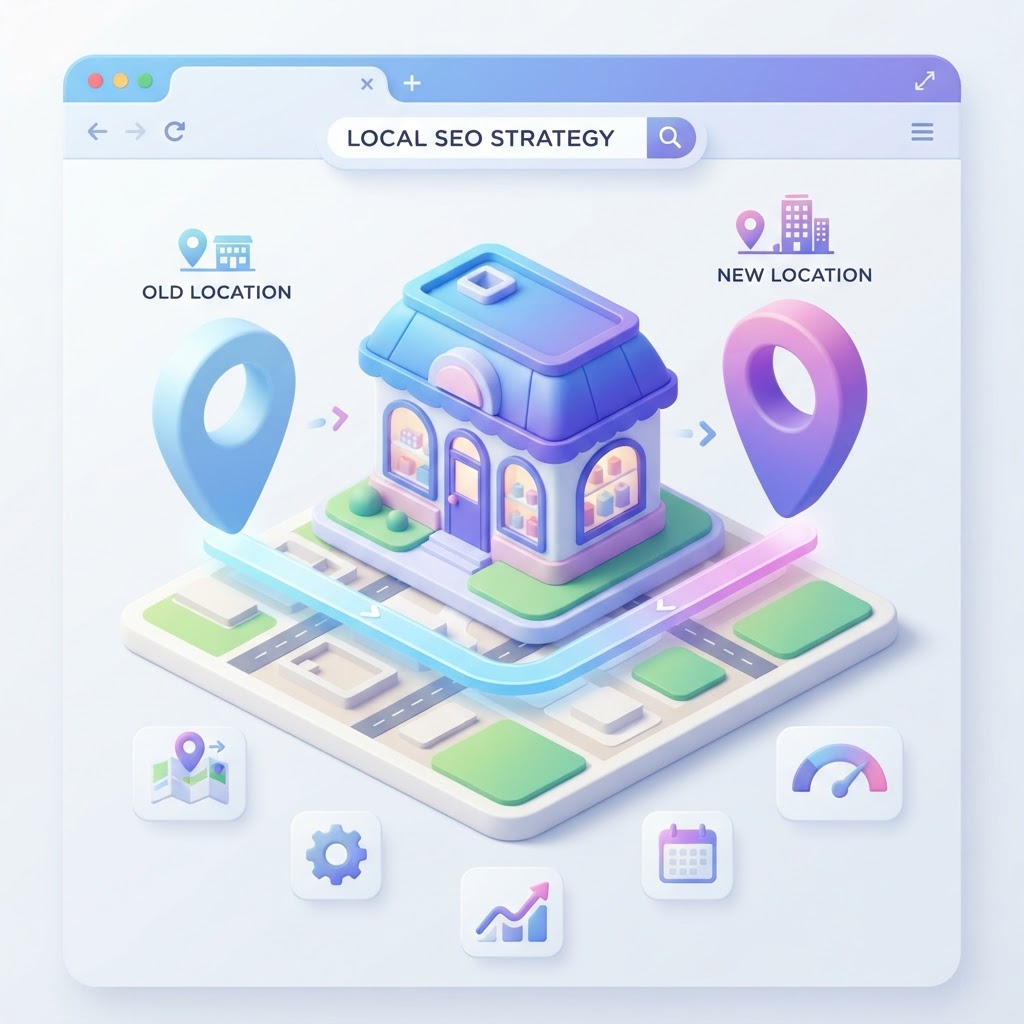
The Reality of Moving Your Business Across State Lines
Moving your business to a new state is stressful enough without watching your local search rankings evaporate. Most business owners treat their Google Business Profile like a simple forwarding address—they log in, swap the city and state, hit save, and expect Google to figure it out. That is the fastest way to trigger a hard suspension and lose your online visibility entirely.
Google does not trust sudden, massive geographic jumps. When a business in Chicago suddenly claims to be operating in Austin, Google's spam filters immediately flag the profile. To the algorithm, it looks exactly like a lead generation scam buying an aged profile and changing the location.
See how clearly your website communicates your location and services.
InspectRank reviews your local visibility signals and gives you a clear, prioritized report.
Get My Free ReportIf you want to survive an out-of-state move, you need a meticulous business relocation SEO strategy. You have to prove to Google that the move is legitimate, update your data ecosystem in the correct order, and manage customer expectations during the transition. Here is the exact step-by-step playbook to move your Google Business Profile to a new city without burning your rankings to the ground.
Rule #1: Do You Keep Your Profile or Start Over?
The most common question relocating business owners ask is whether they should update their existing Google Business Profile or close it and start a new one. The answer depends entirely on your business model.
According to Google's guidelines, you are allowed to move your existing profile—and keep all your hard-earned reviews—if you are the exact same business, operating under the exact same name, offering the exact same services, just in a new location. If you are a marketing agency, a plumber, or a retail store moving to a new state, you keep your profile.
However, you must start a new profile if your business model fundamentally changes, or if you are a franchise location. For example, if you owned a pizza franchise in Ohio and are opening a new location of that same franchise in Florida, you cannot move the Ohio profile. You must mark the Ohio location as permanently closed and open a new profile for Florida.
Step 1: Lay the Legal and Data Foundation First
Do not touch your Google Business Profile yet. Google verifies your business information against third-party data sources, including state registries and data aggregators. If you change your Google address before your legal paperwork is updated, Google will see a mismatch and suspend you.
Before you update your website or your Google listing, you must update your state business licenses and LLC filings. As noted in our guide on how your state business license impacts local SEO, Google crawls Secretary of State databases to verify entity legitimacy. If your new address is not legally registered in your new state, Google has no reason to trust your map pin.
The Phone Number Dilemma
When moving out of state, you will likely need a new local area code. Changing your address and your phone number on your Google Business Profile at the exact same time is a massive red flag for spam filters. It is too much core data changing at once.
Instead, get your new local phone number active, but keep your old number routing to you. Update your website to show the new number, but leave the old number as a secondary contact. Read our complete NAP cleanup guide for changing your business phone number to understand how to stage this transition safely.
Step 2: Updating Your Google Business Profile
Once your legal entity is registered in the new state and your website reflects the new address, it is time to update your Google Business Profile. Expect to be asked to re-verify the profile. This is normal and unavoidable for an out-of-state move.
1. Prepare your proof: Before you change the address, have your new utility bill, state business license, and photos of your new permanent signage ready. If Google triggers a video verification, you will need to show the street sign, the outside of your building, your permanent signage, and the tools of your trade inside.
2. Update the address: Log into your profile, navigate to the location settings, and input the new address. If you are a service-area business (SAB) that hides its address, you must update your hidden verification address and completely clear out your old service areas, replacing them with your new city and zip codes.
3. Handle the verification: Complete the verification process immediately. Do not let it sit pending.
What Happens to Your Reviews?
When you move your profile, your reviews move with you. However, you may notice a temporary dip in your conversion rate. If you move to Denver, but all your reviews mention how great you were in Seattle, local Denver customers might be confused. Your immediate priority after the move must be acquiring new, hyper-local reviews that mention your new city to re-establish local trust.
See how clearly your website communicates your location and services.
InspectRank reviews your local visibility signals and gives you a clear, prioritized report.
Get My Free ReportStep 3: The Great NAP Cleanup
Your Name, Address, and Phone Number (NAP) consistency is about to be a disaster. You now have years of old directory listings pointing to your old state. As highlighted by industry experts discussing why you need to update your business data, inconsistent NAP data destroys search engine trust. If Google sees 50 directories saying you are in New York and your website saying you are in Texas, it will simply choose not to rank you in either place.
You cannot manually update every directory on the internet. You need a systematic approach:
- Update the Primary Aggregators: Data aggregators (like Data Axle, Localeze, and Foursquare) feed information to hundreds of smaller directories. Update your address with them first.
- Update Tier 1 Citations: Manually log into your Yelp, Apple Maps, Bing Places, and Facebook business pages to update your address. These carry the most weight.
- Use a Citation Service: Use a tool like BrightLocal or Whitespark to run a citation audit and push your new address to the broader ecosystem.
Keep a master spreadsheet of every directory you update. It will take 60 to 90 days for the new data to fully propagate across the local search ecosystem.
Step 4: Overhauling Your Website for the New City
Your website needs to clearly communicate the move to both Google and your customers. Do not just change the address in the footer and call it a day.
Update Your Local Schema
If you are using LocalBusiness schema markup on your website, you must update the address, geo-coordinates, and telephone number in the code. If your schema points to the old state while your visible text points to the new state, you will confuse AI search crawlers and traditional search engines alike.
Create a Transition Announcement
Publish a dedicated blog post or banner announcing the relocation. Explain when you are closing the old location and when you are opening the new one. This provides clear, crawlable context for the move.
Update Your Service Pages
If your service pages previously mentioned your old city (e.g., "Best Roofers in Atlanta"), you must rewrite the localized copy to target your new market. Do not just do a find-and-replace; write genuinely helpful content about your services in the context of your new city's climate, architecture, or local regulations.
Visualizing the Relocation Timeline
[Original Visual Concept: A horizontal timeline graphic titled "The 60-Day Local SEO Relocation Plan." The timeline is split into three phases. Phase 1 (T-Minus 30 Days): File state LLC paperwork, secure new local phone number, update website footer and schema. Phase 2 (Moving Day): Update Google Business Profile address, complete re-verification, update Apple Maps and Yelp. Phase 3 (T-Plus 30 Days): Push updates to data aggregators, launch local review generation campaign in the new city, monitor for duplicate listings.]
Common Relocation SEO Mistakes to Avoid
Even with a solid plan, business owners frequently make unforced errors during a move. Avoid these critical mistakes:
- Leaving the old profile open: Never leave your old Google Business Profile open as a "duplicate" just to catch straggling leads. If you are not operating there, it must be moved or marked permanently closed. If you need to manage the transition, read our guide on how to temporarily close your business without losing rankings.
- Ignoring Google Maps Street View: When you move, Google might associate your new map pin with an outdated or incorrect Street View image of your new building. If this happens, follow our steps to fix a misplaced business view on Google Maps.
- Changing the business name simultaneously: If you are moving out of state AND rebranding at the same time, do not do it all at once. Move the business first, get verified, wait 30 days, and then execute the name change. Changing the name, address, and phone number simultaneously is a guaranteed suspension.
Conclusion: Patience is Mandatory
Business relocation SEO is not a weekend project. It is a 90-day transition. Your rankings will likely fluctuate wildly in the first few weeks after the move as Google digests the new data, verifies your entity in the new state, and waits for the broader citation ecosystem to catch up.
Focus on the fundamentals: ensure your legal paperwork matches your website, update your Google Business Profile carefully, aggressively clean up your old citations, and start earning reviews from customers in your new city immediately. If you manage the data transition cleanly, your local search visibility will recover and anchor itself in your new market.
Sources & references
See what InspectRank finds on your website
Get a clear report covering website SEO, technical health, local visibility and AI search readiness.
Get My Free ReportRelated guides

Local SEO for Junk Removal: Outranking National Franchises for High-Margin Cleanouts
Stop losing high-margin cleanout jobs to national franchises. Learn how independent junk removal and dumpster rental operators can use local SEO to dominate the Google Map Pack.

Local SEO for Home Inspectors: Capturing Out-of-Town Buyers and Realtor Referrals
Stop relying entirely on real estate agent referrals. Learn how home inspectors can use local SEO to capture high-intent, out-of-town buyers and dominate the Google Map Pack.

Construction Zone SEO: How to Maintain Foot Traffic When Your Street is Closed for Repairs
Don't let orange cones destroy your revenue. Learn how to use local SEO, Google Business Profile updates, and detour pages to keep customers coming during road construction.

Pricing Page Local SEO: Why Local Service Businesses Must Publish Rates to Capture High-Intent Traffic
Stop hiding your rates behind a phone call. Learn why local service businesses must publish pricing pages to capture high-intent search traffic and improve conversions.

Bilingual Local SEO: How to Rank Your Business for Spanish-Language Searches in Your City
Stop ignoring a third of your market. Learn the exact bilingual local SEO strategy to rank your business for Spanish-language searches and optimize your Google Business Profile.